
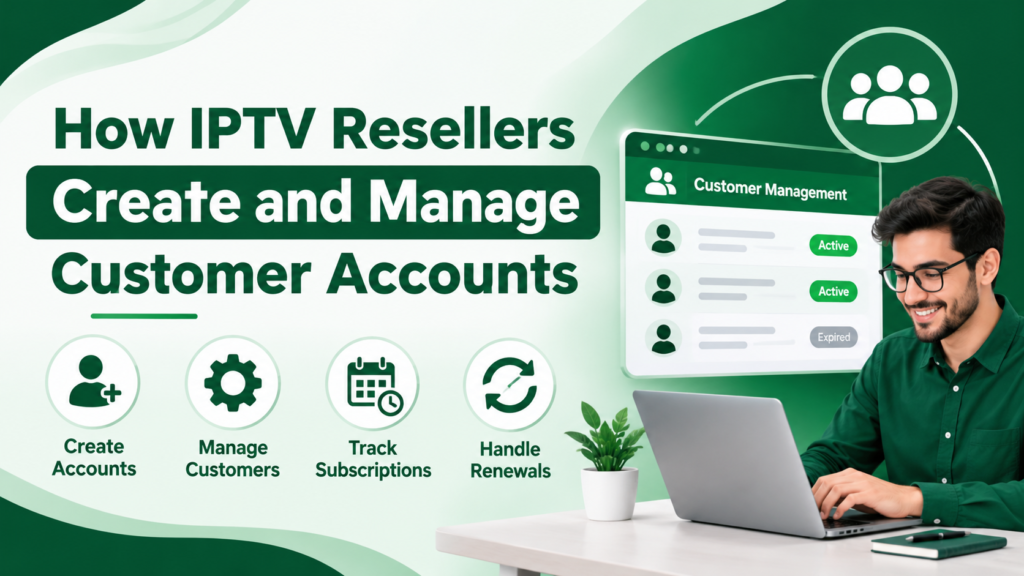
Running an IPTV reselling business requires more than finding customers. Resellers also need a simple way to create accounts, manage subscriptions, track active users, and provide support. This is where proper customer management becomes important.
IPTV customer accounts help resellers organize their business and provide a better experience to their customers. With the right tools, resellers can create new accounts, set subscription periods, renew services, and manage customer details from one place.
Whether you are new to IPTV reselling or already have regular customers, understanding how account management works can help you save time and run your business more smoothly.
What Are IPTV Customer Accounts?
IPTV customer accounts are individual accounts created for people who want to use an IPTV service. Each account has its own login details and subscription period.
When a customer purchases a subscription, the reseller creates an account through their reseller panel. The account is then used by the customer to access the service on a supported device.
A typical customer account may include:
- Customer username and password
- Subscription start and expiry dates
- Selected subscription duration
- Account status
- Assigned service details
- Renewal information
Keeping these details organized makes it easier to handle customer requests and avoid mistakes.
How IPTV Resellers Create New Customer Accounts
Creating new IPTV customer accounts is usually a simple process when a reseller has access to a suitable panel. The exact steps may differ depending on the provider, but the general process remains similar.
1. Log In to the IPTV Reseller Panel
The first step is to access your reseller dashboard using your login details. The dashboard provides access to the tools needed to create and manage customer subscriptions.
A good IPTV reseller panel keeps important options organized so resellers can find account settings without wasting time.
2. Select the Account Creation Option
After logging in, look for an option such as Create User, Add Customer, or New Subscription. This section allows you to start creating an account for a new customer.
Some panels also provide options to choose a subscription duration or assign available credits.
3. Enter Customer Details
Next, enter the required account information. Depending on the panel, this may include a username, password, or other customer details.
Always check the information before moving forward. Correct details help prevent login issues and reduce the need for repeated changes.
4. Choose the Subscription Duration
Select the subscription period according to the customer’s purchase. Available options may include monthly, quarterly, or longer plans.
The selected duration determines when the account will expire. Make sure the customer understands the subscription period before activating the service.
5. Create and Share the Account
Once the required information is entered, complete the account creation process. The panel may display the customer’s login details after successful activation.
Share the correct details with the customer and explain how to use them on a supported device.
How to Manage IPTV Customers Effectively
Creating accounts is only one part of running a reseller business. You also need a proper system to manage IPTV customers after their subscriptions become active.
Here are some useful ways to keep your customer accounts organized.
Keep Customer Information Organized
Maintain a clear record of your customers, including their usernames, subscription dates, and contact details where needed.
An organized record helps you find account information quickly when someone contacts you for assistance.
Avoid storing sensitive login information in unsecured places. Use suitable security practices to protect customer data.
Monitor Active and Expired Accounts
Regularly check which accounts are active and which subscriptions are close to expiry.
This helps you contact customers before their subscriptions end. It also makes it easier to identify inactive accounts and keep your records updated.
Handle Renewals on Time
Subscription renewals are an important part of IPTV customer management. When a customer wants to continue using the service, you need to renew their account before or after expiry, depending on the panel’s available options.
Keep track of renewal dates and confirm the new subscription period after processing a payment.
Respond to Customer Problems
Customers may sometimes face login errors, connection problems, or other service-related issues. Quick responses can help build trust and improve the customer experience.
Check the account details first, understand the reported problem, and provide clear instructions when possible.
Why an IPTV Reseller Panel Is Important for Account Management
Managing every customer manually can become difficult as your business grows. A reseller dashboard makes daily tasks easier by bringing important account tools together.
A reliable IPTV reseller panel can help with:
- Account creation: Create new customer accounts when orders arrive.
- Subscription control: Manage subscription periods and renewals.
- Credit tracking: Monitor available reseller credits when the panel uses a credit-based system.
- Customer records: Keep account details organized.
- Account monitoring: Check subscription status and expiry information.
- Time savings: Handle multiple customer accounts without managing everything separately.
These tools can make daily work more organized and reduce common account management mistakes.
Common Mistakes to Avoid When Managing Customer Accounts
Even experienced resellers can make mistakes when handling several customers. A few simple habits can help prevent problems.
Entering incorrect login details: Always double-check usernames and passwords before sharing account information.
Forgetting expiry dates: Keep track of subscription periods so you can manage renewals on time.
Ignoring customer messages: Respond to customer questions as soon as possible and provide useful guidance.
Poor record keeping: Avoid relying only on memory. Maintain organized records of customer accounts and subscription details.
Sharing account information carelessly: Protect customer data and share login details only through appropriate channels.
Avoiding these mistakes can help you provide better service and maintain a more organized business.
Tips for Managing Multiple IPTV Customer Accounts
As your customer list grows, account management becomes more important. Use these simple tips to keep everything under control:
- Check your reseller dashboard regularly.
- Review upcoming subscription expiry dates.
- Keep customer information updated.
- Confirm account details before sending them.
- Track available credits and completed renewals.
- Set aside time to respond to customer questions.
- Use secure methods to store important information.
Following a regular routine can make it easier to manage IPTV customers without feeling overwhelmed.
Conclusion
Creating and managing IPTV customer accounts is an important part of building a successful reselling business. From creating new subscriptions to tracking expiry dates and handling renewals, every step needs proper attention.
Using a suitable reseller dashboard can make IPTV customer management easier, especially when you start handling more customers. It helps you organize accounts, manage subscriptions, and complete daily tasks from one place.
If you want to grow your reseller business, start with an organized account management process and focus on providing clear, helpful customer support.
Ready to Manage Your IPTV Reseller Business More Easily?
Looking for a simple way to handle customer accounts and subscriptions? Glo TV Panel gives resellers a platform to manage their business activities with greater convenience.
Get started with Glo TV Panel, organize your IPTV customer accounts, and take the next step toward growing your reseller business. Explore the available reseller options today and make customer management a smoother part of your daily work.